
This article wrote how to use Elementor.
https://elementor.com/products/page-builder-plugin
What is Elementor (WordPress Plugin)
Elementor is one of WordPress Plugins.
It is the most installed WordPress plugin worldwide.
Features of Elementor
Elementor has the following features:
- Arrange content visually
- others
How to Install Elementor to WordPress Sites
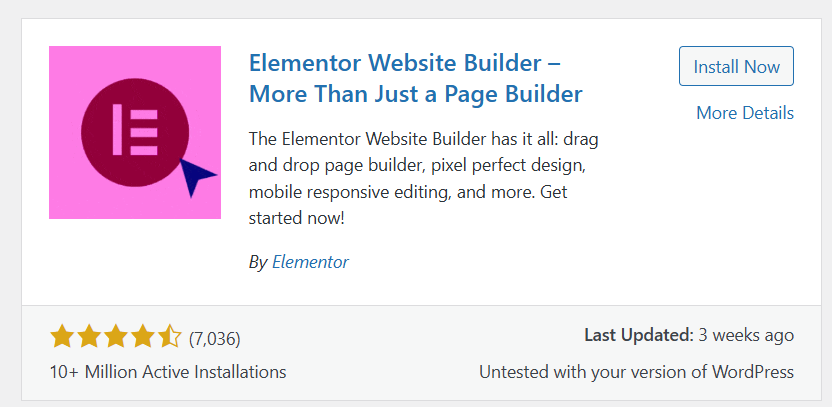
You can install Elementor on WordPress by following these steps:
- Log in to your WordPress dashboard
- Go to Plugins > Add Plugin and search for Elemtntor
- Install Elementor
Elementor’s Plan
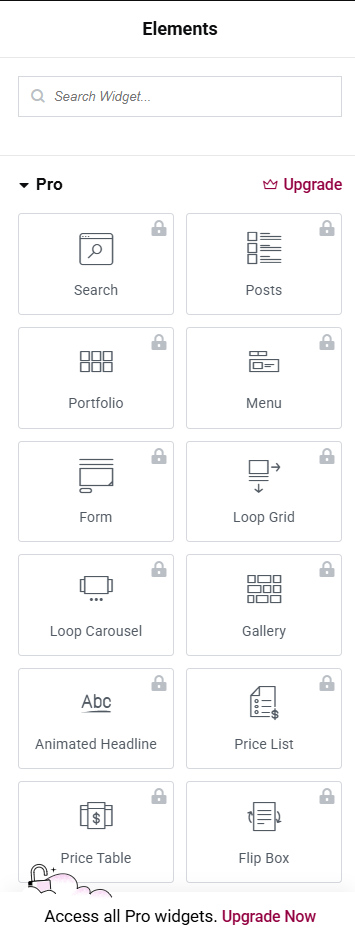
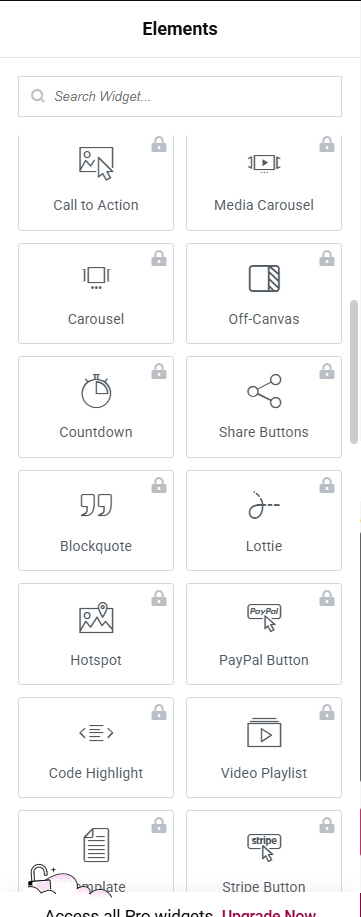
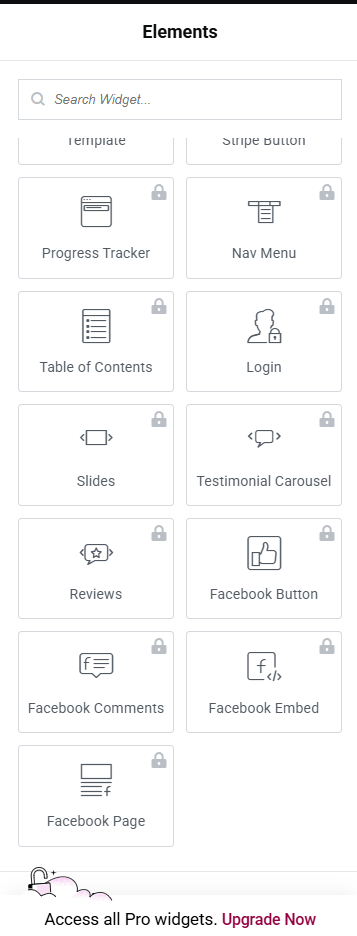
Elementor has Free Plan and Pro Plan.
Build a website with Elementor on Posts
Log in to WordPress dashboard.
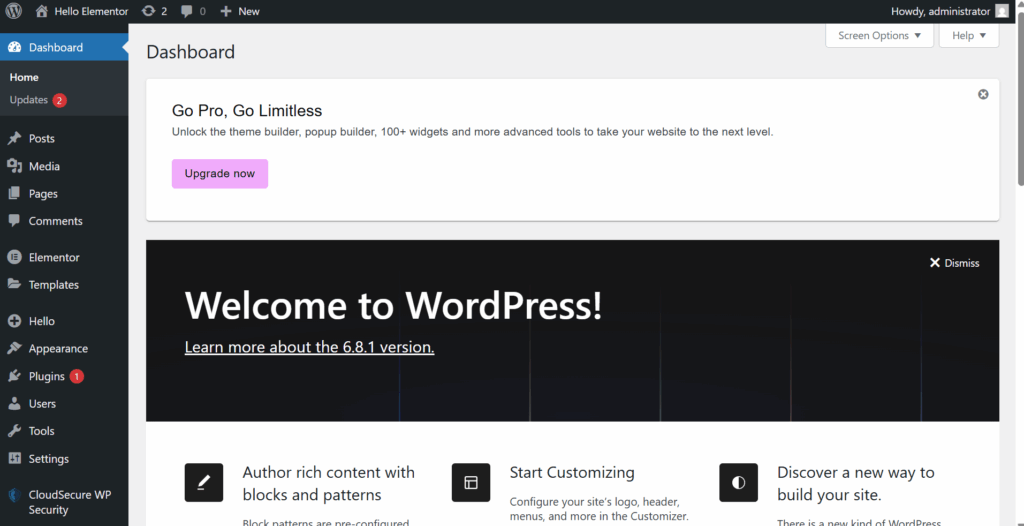
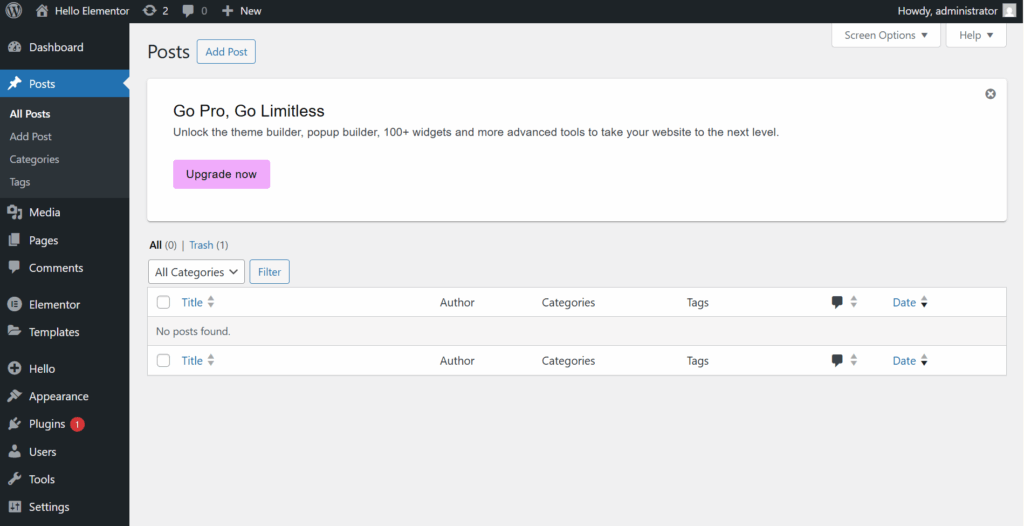
Click Posts > Add Post.
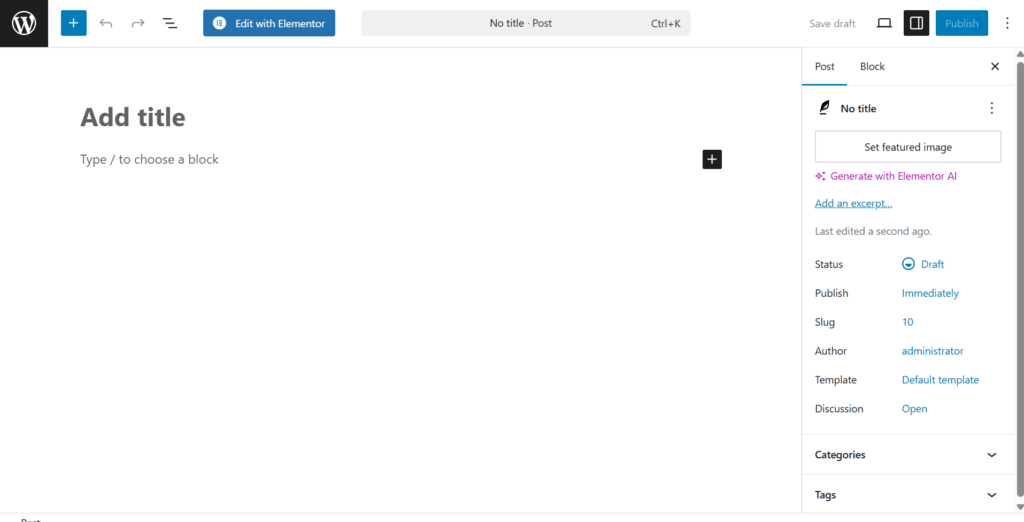
Click “Edit with Elementor”.
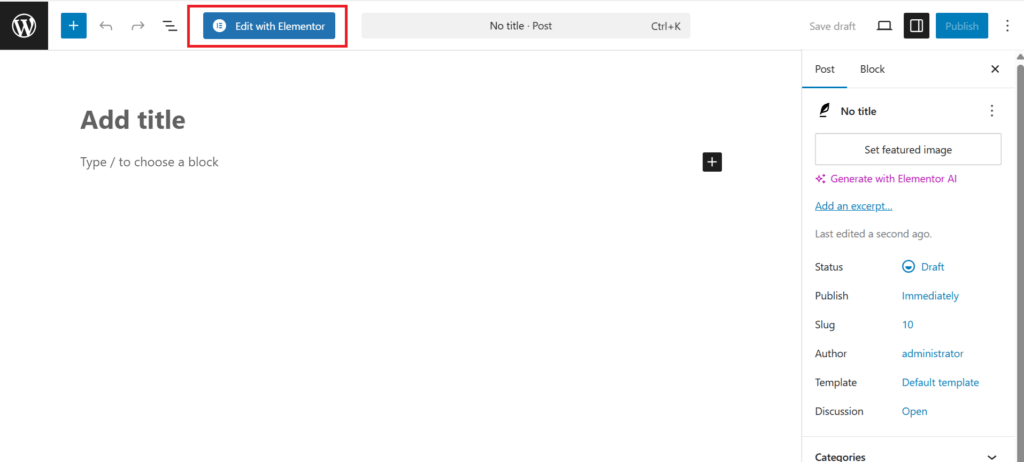
Now you can edit a post with Elementor.
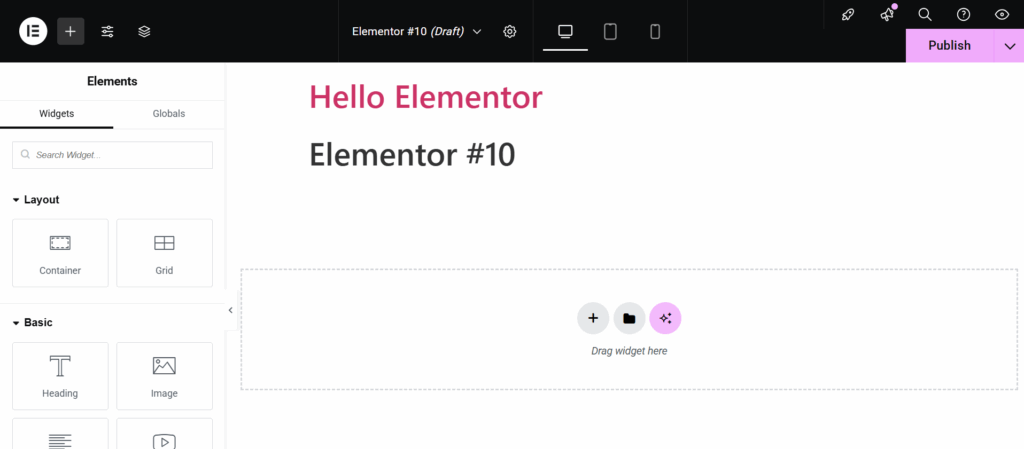
Use h2 tag
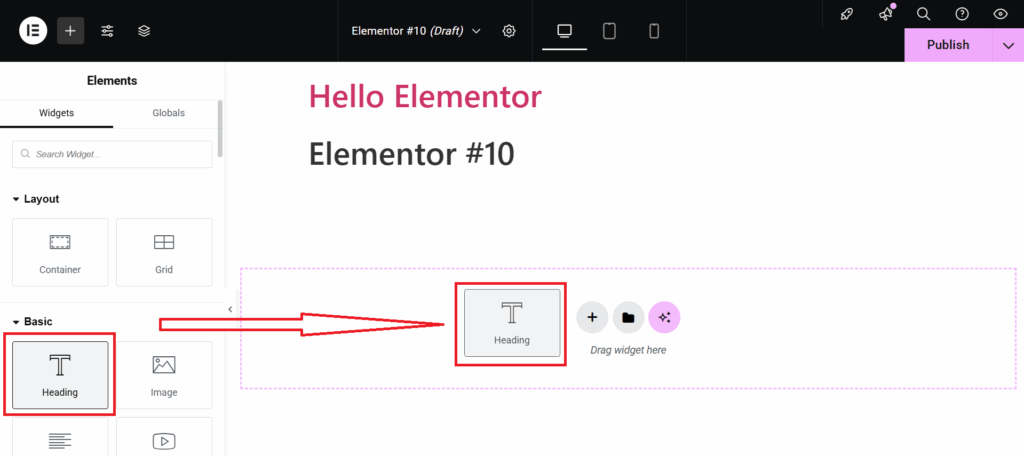
Drag “Heading” to “Drag widget here”.
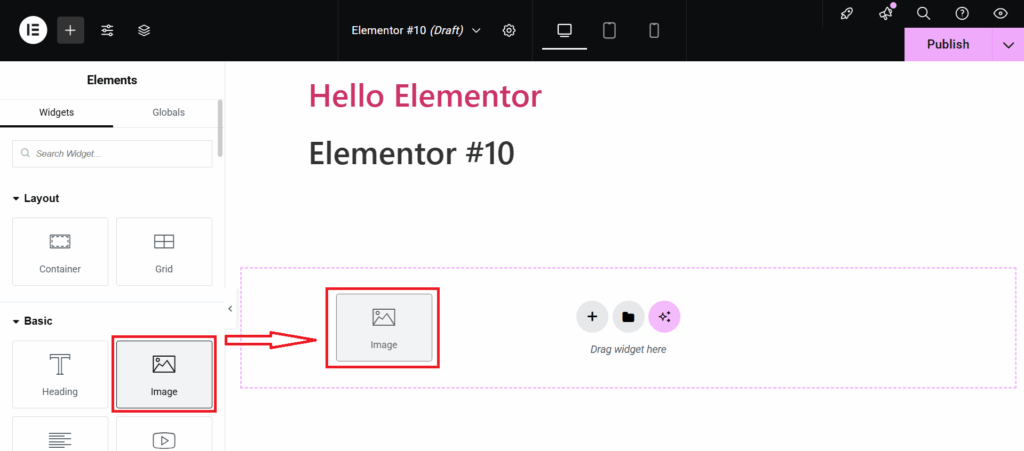
Add Image on a Post with Elementor
Drag “Image” to “Drag widget here” to add image on a Posts.
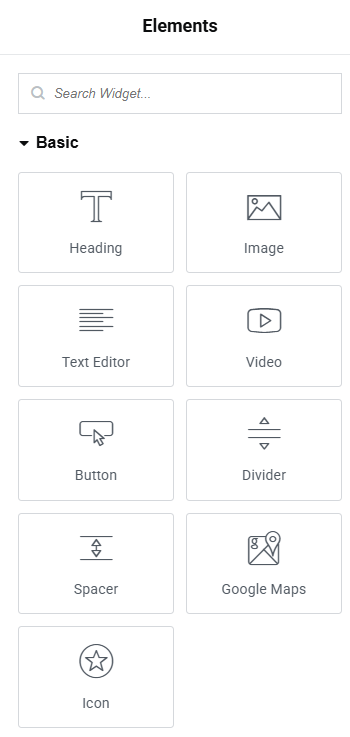
Contents you can add with Elementor to your pages with The Free Plan
You can add Below Elements on your pages with Elementor with Free Plan.
There is Pro Plan
Related posts:
 How to use YoastSEO
 JetPack Summary
 Install Google Site Kit into WordPress
 Tried WP Offload Media Lite: Offloading WordPress Images to Amazon S3
 Start a blog with WordPress
 How to migrate WordPress Site to AWS Lightsail
 Contents about Site Management
 Astra Theme Free Version Review: Our Honest Experience Without Paying