
We write how to build a WordPress site on Hostinger.
Log in to Hostinger
First, you login to Hostinger Account.
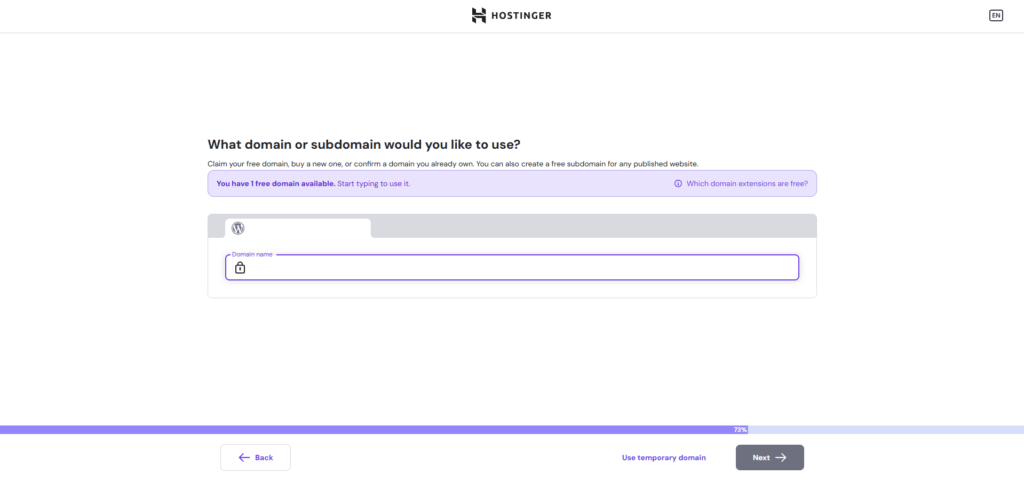
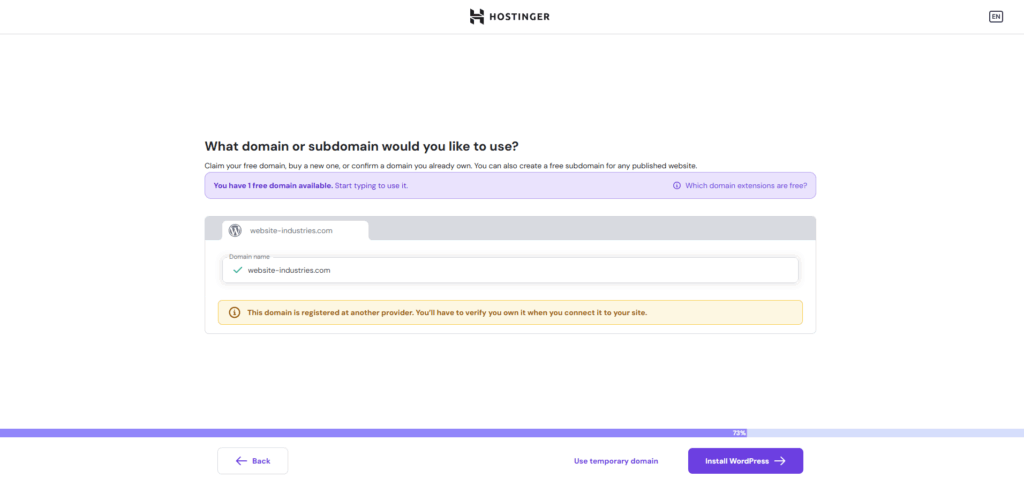
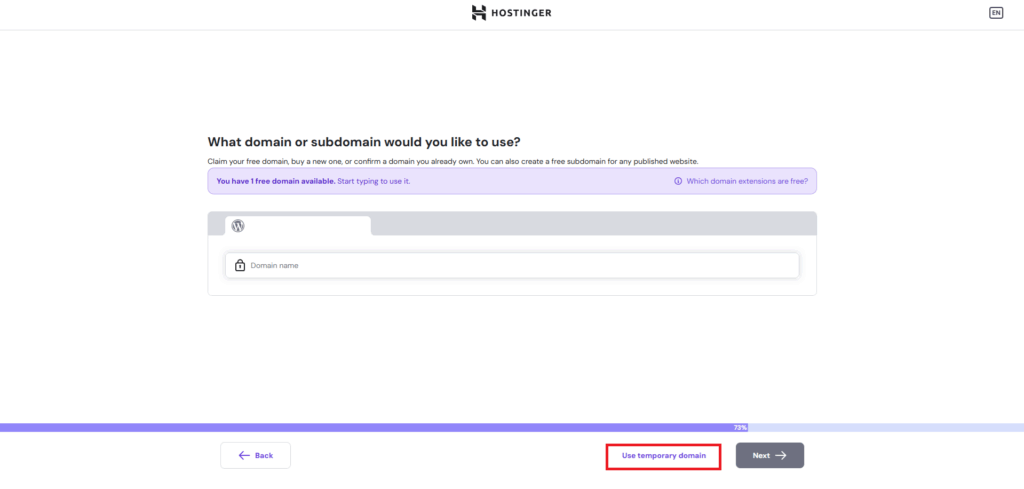
Install WordPress on Hostinger’s Server
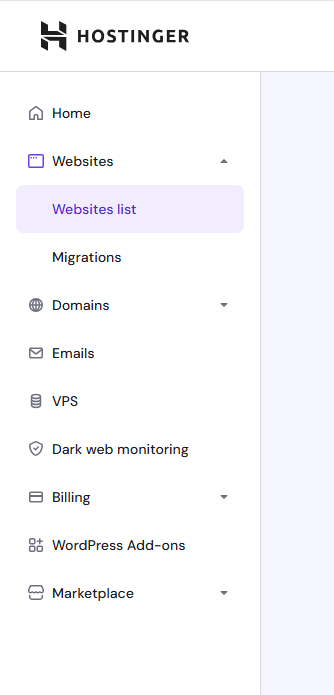
Go to Websites > Websites list.
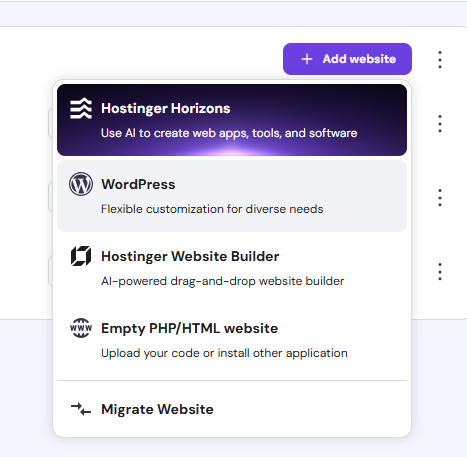
Click “Add website” button.

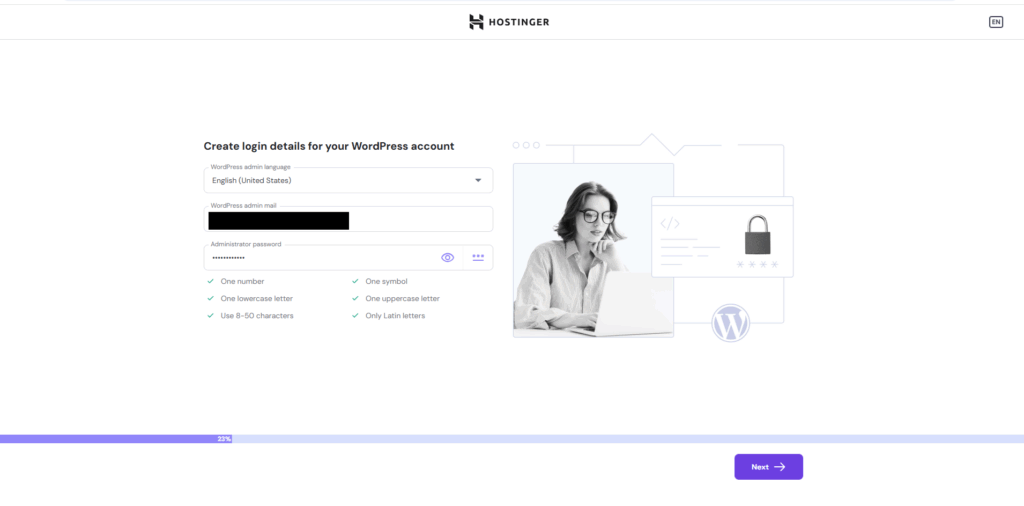
Click WordPress.
Related posts:
 2026 Hostinger Review: Affordable hosting service with an easy-to-use UI
 Bluehost Review : WordPress Hosting Service
Install WordPress on Bluehost
Bluehost Review : WordPress Hosting Service
Install WordPress on Bluehost
 Summary of Hosting Services
All Posts We Provide about Hosting Services
Summary of Hosting Services
All Posts We Provide about Hosting Services
 How to Choose a Web Hosting Service
 Overview of Kinsta: Optimized WordPress Hosting on Google Cloud
 Our Experience Moving from Shared Hosting to the Cloud (AWS)